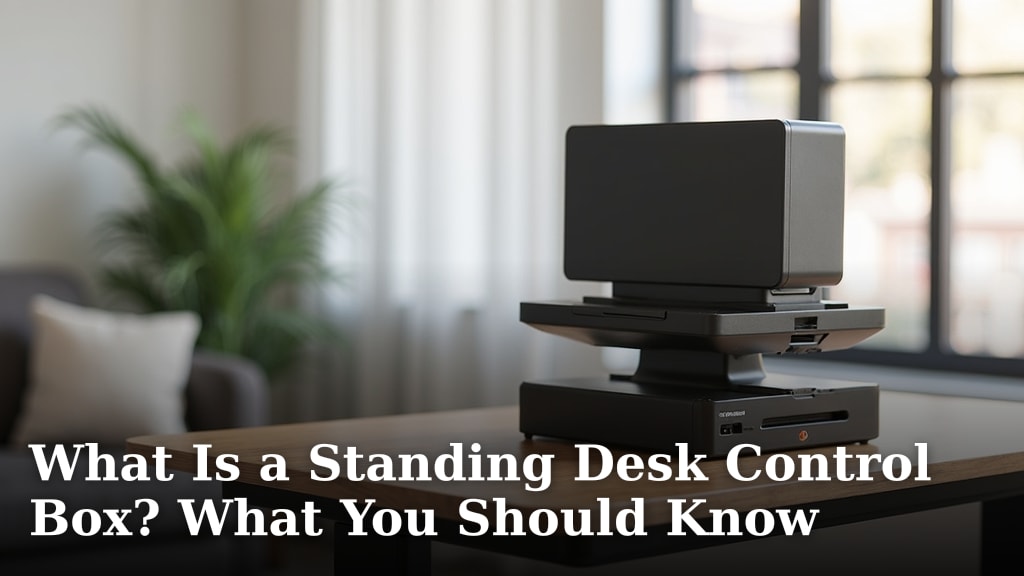
What Is a Standing Desk Control Box? What You Should Know
A standing desk control box is the brain of your adjustable desk. It tells the desk legs when to move up or down. This box also stores your preferred desk heights. Think of it as the command center for your ergonomic setup. It’s a key component for easy height adjustment.
You might be wondering how your desk knows where to go. The control box receives signals from your desk’s handset. It then sends power to the motors in the desk legs. We found that it manages all the desk’s electronic functions. This includes memory presets for different users or tasks. It helps you get the most out of your standing desk experience.
- The control box is your standing desk’s brain.
- It controls the motors for up and down movement.
- It stores your favorite desk heights.
- It’s essential for smooth, automated adjustments.
So, what exactly does this little box do, and why should you care? Let’s break down the functions of a standing desk control box and what you should know about it.
The control box is the nerve center of your adjustable desk. It’s a small but mighty component. It translates your commands into action. Without it, your desk would just be legs and a desktop. Let’s dive into what makes this part tick.
Understanding Your Standing Desk’s Control Unit
The control box is where the magic happens. It’s the central hub for all electronic operations. This unit takes input from your desk’s handset. Then, it directs power to the motors. It ensures your desk moves smoothly and precisely.
What Exactly Does the Control Box Do?
Think of the control box as the desk’s brain. It’s responsible for several key functions that make your standing desk work. We found that it coordinates everything from simple up-and-down movements to saving your favorite positions. It’s the component that brings your desk to life.
Motor Control and Power Distribution
Your standing desk has motors, usually in the legs. These motors do the heavy lifting. The control box acts like a traffic cop for electricity. It tells the motors when to spin and in which direction. This allows your desk to **ascend or descend** as you command.
Memory Presets and User Profiles
One of the most convenient features of an adjustable desk is its memory function. The control box stores these settings. You can program specific heights for sitting, standing, or even a slight incline. This means you can **switch positions with a single touch**. Many users find this incredibly helpful for maintaining good posture throughout the day. We found that having presets makes the transition between sitting and standing almost effortless.
Safety Features and Overload Protection
Control boxes also include built-in safety features. They can detect when the desk encounters resistance. This prevents damage to the desk or anything placed on it. If the desk hits an obstruction, it will stop. Some advanced models can even **reverse direction** automatically. This is a vital feature to protect both your desk and your belongings.
How Does the Control Box Connect Everything?
The control box acts as the central connection point. It links the desk handset, the motors, and the power source. This integrated system ensures everything works in harmony. We found that the wiring inside is carefully designed for efficient operation.
Handset to Control Box Communication
Your desk’s handset is the primary interface. When you press a button, it sends a signal. This signal travels to the control box. The control box then interprets that command. It tells the motors what to do. This communication is usually very quick. You get an **almost instant response** from your desk.
Control Box to Motor Wiring
Wires run from the control box to each motor in the desk legs. These wires carry the electrical signals and power. The control box precisely manages the flow of electricity. This ensures the motors move in sync. This synchronized movement is what keeps your desktop **level and stable**.
Power Supply Integration
The control box is also connected to your desk’s power supply. It draws power from the wall outlet. This electricity is then distributed to the motors as needed. The control box regulates the voltage and current. This keeps the entire system running smoothly and safely.
Different Types of Standing Desk Control Boxes
Not all control boxes are created equal. There’s a range of options available. They vary in features and capabilities. Understanding these differences can help you choose the right desk for your needs. We found that many desks come with basic, single-motor control boxes.
Single-Motor vs. Dual-Motor Systems
The most common setup uses a single control box for one or two motors.
| Desk Type | Control Box Function | Typical Features |
|---|---|---|
| Single Motor | Controls one motor. | Basic up/down movement. Limited memory presets. |
| Dual Motor | Controls two motors independently or in sync. | Faster lifting speed. More memory presets. Smoother operation. |
Dual-motor desks typically have a more advanced control box. This box manages the power and signals for two separate motors. This often results in a **faster and quieter** desk operation. Many experts say dual-motor systems offer a superior ergonomic experience (Harvard Health Publishing).
Smart Features and Connectivity
Some modern standing desks include “smart” control boxes. These might offer Bluetooth connectivity. This allows you to connect your desk to a smartphone app. You can then control your desk from your phone. Some apps even track how long you spend sitting and standing. They can provide reminders to change positions. This can be a great way to build **healthier work habits**.
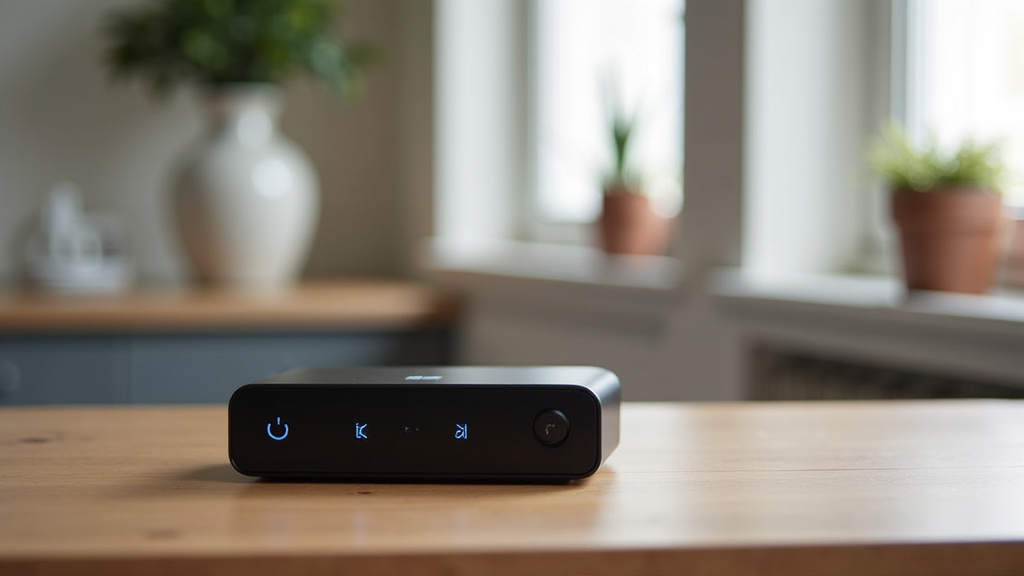
What to Look for in a Control Box
When selecting an adjustable desk, don’t forget to consider the control box. It’s as important as the motors or the desktop material. Here’s what we found makes a good control box:
- Reliability: Look for a brand known for durable components.
- Ease of Use: The handset should be intuitive and easy to operate.
- Memory Presets: More presets are generally better for multiple users or tasks.
- Smooth Operation: A good control box ensures quiet, fluid movements.
- Safety Features: Ensure it has overload protection and anti-collision.
Your standing desk control box is a vital piece of technology. It orchestrates the smooth transitions that make adjustable desks so beneficial. Understanding its role helps you appreciate the engineering behind your ergonomic workspace. It’s more than just a box; it’s your partner in a healthier workday.
Conclusion
Your standing desk’s control box is the command center that makes all the difference. It translates your commands into smooth desk movements and remembers your favorite positions. This vital component ensures your desk operates reliably and safely. By understanding its function, you can better appreciate your ergonomic setup. Make sure to consider the control box when choosing your next standing desk. Look for reliability and user-friendly features for a better workday experience.
Frequently Asked Questions
Can I replace my standing desk’s control box if it breaks?
Yes, you can often replace a broken control box. It’s important to find a compatible model, usually from the same manufacturer. Ensure the new box supports the same number of motors and handset type for proper function.
How do I know if my standing desk control box is compatible with a new handset?
Compatibility depends on the specific wiring and protocol between the handset and the control box. We found that checking your desk’s manual or the manufacturer’s website is the best way to confirm. Generally, handsets and control boxes are designed to work together within the same product line.
What does it mean if my standing desk control box has an error code?
Error codes usually indicate a problem with the desk’s operation, such as an obstruction or a motor issue. You should consult your desk’s manual to decipher the specific code. Often, troubleshooting involves checking for obstructions or resetting the desk system.
Are smarter control boxes worth the extra cost?
Smart control boxes offer features like app connectivity and usage tracking. If you want reminders to move or enjoy controlling your desk from your phone, they can be worth it. For basic height adjustment, a standard control box might be sufficient.
How can I clean my standing desk’s control box and handset?
Always unplug your desk before cleaning. Use a slightly damp, soft cloth to wipe down the control box and handset. Avoid using harsh chemicals or spraying liquid directly onto the components. We found that gentle cleaning keeps the electronics in good condition.