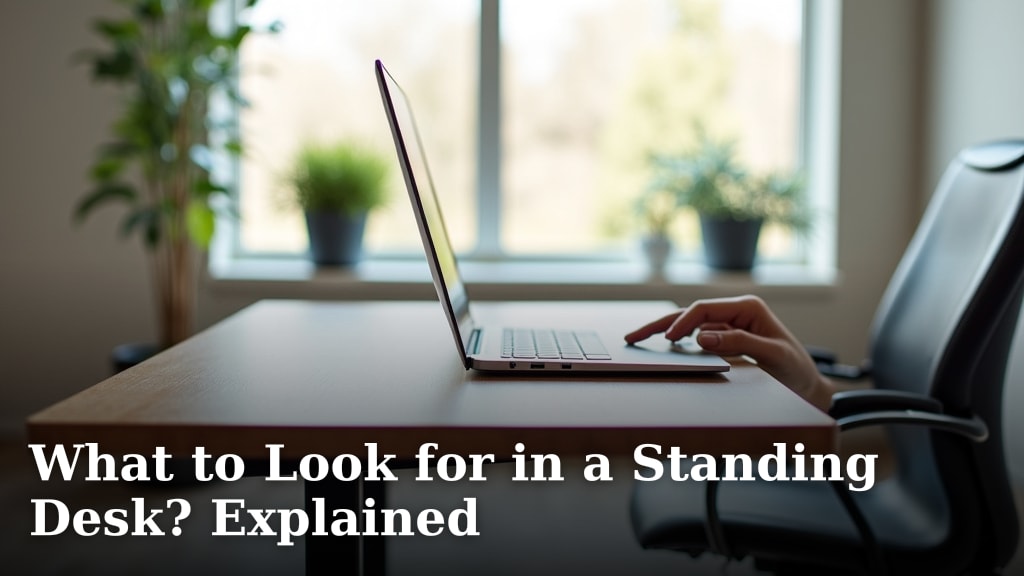
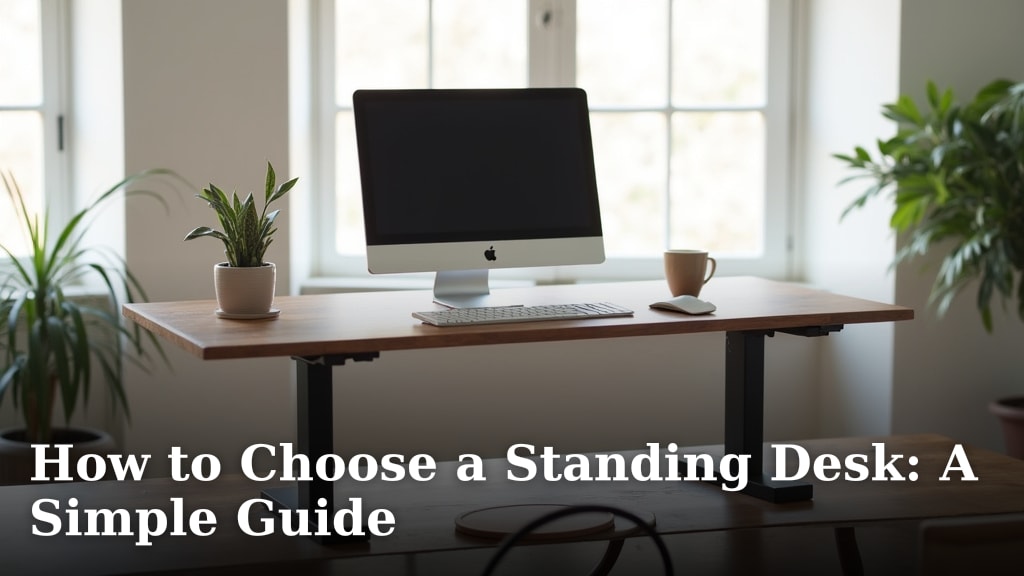
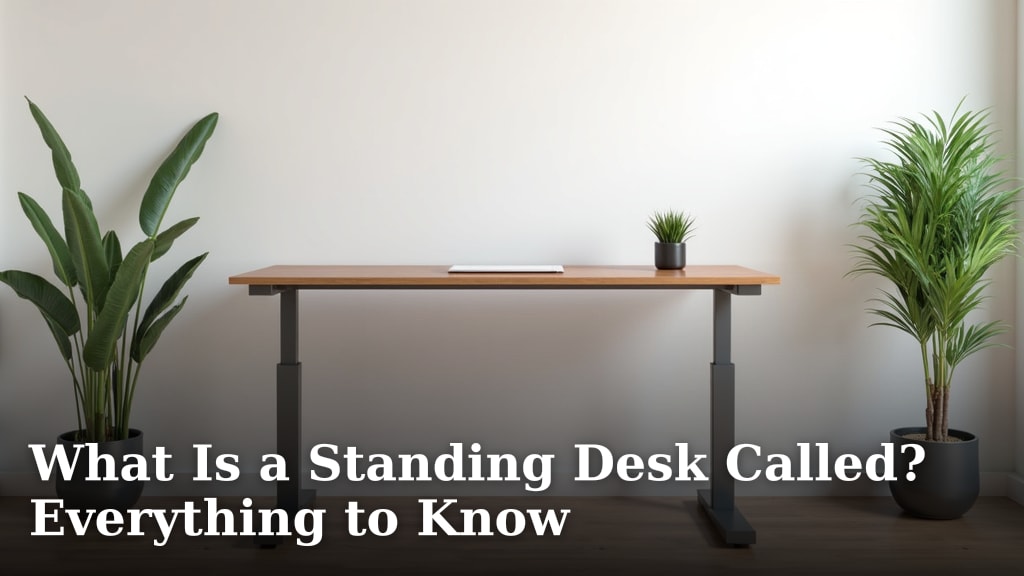
What Is a Sit-Stand Desk? A Quick Answer
On this page (3 sections)
A sit-stand desk is a special type of desk that lets you change its height. You can easily move it up or down so you can work while sitting or standing. It helps you switch positions throughout your workday.
Many people find these desks helpful for staying active at work. Instead of sitting all day, you can stand for part of it. This design helps support better comfort and focus while you work.
- A sit-stand desk lets you work sitting or standing.
- You can adjust its height easily.
- It helps you move more during your workday.
- These desks can improve comfort and focus.
Let’s explore how a sit-stand desk works and why so many people are choosing them for their workspaces.
Understanding Your Sit-Stand Desk
A sit-stand desk is a special workstation that gives you the power to change your working posture throughout the day. It’s essentially a desk whose height you can adjust. This means you can work comfortably while sitting down, and then, with a simple adjustment, raise the desk surface to work while standing up.
Imagine having a desk that adapts to you, not the other way around. That’s the core idea. You get the flexibility to switch between sitting and standing whenever you feel the need. It’s about bringing more movement into your daily routine.
How Do Sit-Stand Desks Work?
These desks use different mechanisms to change height. Most commonly, they are either manual or electric. Both types let you raise or lower the desk surface, but they do so in slightly different ways.
Electric sit-stand desks are often powered by a motor. With the push of a button, the desk smoothly moves to your desired height. Some even have memory settings, so you can save your favorite sitting and standing heights. This makes switching positions incredibly easy and fast.
Manual sit-stand desks, on the other hand, require you to use a crank or a lever. Some manual models use a gas spring to help adjust the height. You physically turn a handle or press a lever to move the desk up or down. While they might take a little more effort, they often come at a lower price point and don’t need an electrical outlet.
Types of Sit-Stand Desks
When you start looking, you’ll notice a few main types of sit-stand desks. Each type offers different features and benefits. Understanding these can help you choose the best fit for your workspace and budget.
Full Sit-Stand Desks
These are desks that are designed from the ground up to be adjustable. They have a frame specifically built to support height changes. You replace your entire existing desk with one of these. They typically offer the most stability and the widest range of height adjustments.
Full sit-stand desks come in various sizes and styles. You can find them with single or dual motors. They often have robust weight capacities, meaning they can hold multiple monitors and equipment without an issue. Many people prefer these for a dedicated sit-stand setup.
Desktop Converters (Desk Risers)
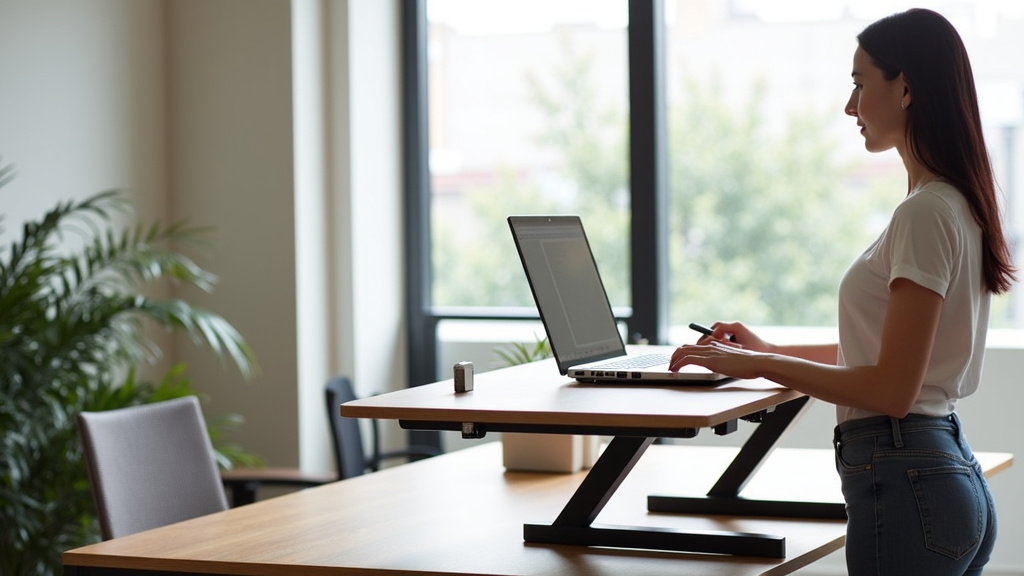
Don’t want to replace your entire desk? A desktop converter might be for you. These devices sit on top of your existing desk. You place your monitor, keyboard, and mouse on the converter itself. Then, you can raise or lower the converter, effectively turning your traditional desk into a sit-stand workstation.
Converters are a cost-effective option. They are also often portable, so you can move them between different desks if needed. The main difference is that they don’t replace your whole desk. Your existing desk remains underneath the converter.
Why Consider a Sit-Stand Desk?
Many people find these desks helpful for a few key reasons. The primary benefit is the ability to move more throughout the day. Sitting for long periods has been linked to various health concerns (CDC). A sit-stand desk encourages you to break up that sitting time.
Think of it as simply giving your body a choice. Instead of being stuck in one position for hours, you can shift. This can help with things like reducing stiffness and improving circulation. You might notice a subtle difference in how you feel by the end of a long workday.
Potential Comfort and Energy Benefits
Working in different postures can sometimes make you feel more comfortable. If your back or neck starts to feel tired from sitting, standing for a while can offer a welcome change. We’ve heard many people say it helps reduce aches and pains.
Some users also report feeling more energetic. It makes sense, right? When you’re standing, your body is naturally more engaged than when you’re sitting. This subtle increase in activity can contribute to feeling less sluggish and more focused.
You might even find that standing helps you stay more alert during meetings or when tackling complex tasks. It’s like a mini-reset button for your body and mind.
Supporting Movement and Posture
The goal isn’t to stand all day long. That’s not practical or necessarily good for you either. The real benefit comes from alternating between sitting and standing. This variety of movement is key.
By switching positions, you encourage your body to use different muscle groups. This can help prevent the common slumping posture often associated with prolonged sitting. Maintaining good posture, whether sitting or standing, is important for your overall well-being (Mayo Clinic).
What Features Should You Look For?
When you’re ready to choose a sit-stand desk, keep a few things in mind. Not all desks are created equal, and some features might be more important to you than others. Storage is one feature to weigh; see our guide to standing desks with drawers.
- Height Range: Does it adjust to your specific sitting and standing heights? Make sure it goes low enough for comfortable sitting and high enough for comfortable standing. Your elbows should be at a 90-degree angle when typing.
- Stability: Is the desk sturdy at all heights? You don’t want your monitors wobbling while you work. Look for solid frames and good reviews regarding stability.
- Weight Capacity: Can it hold all your equipment? Monitors, laptops, and accessories add up. Check the maximum weight the desk can safely support.
- Noise Level (Electric Desks): If you opt for an electric desk, consider how loud the motor is. A quiet motor is better, especially in shared spaces.
- Memory Presets (Electric Desks): This feature lets you save your favorite sitting and standing heights. It’s incredibly convenient for quick adjustments.
- Assembly: How difficult is it to put together? Some desks are easier to assemble than others.
Making the Switch: Tips for Using Your Sit-Stand Desk
Once you have your sit-stand desk, the next step is to use it effectively. It’s not about standing all day, but about finding a rhythm that works for you.
Here’s a quick checklist to help you get started:
- Start slowly; don’t feel like you need to stand for hours right away.
- Aim to switch positions every 30-60 minutes.
- Listen to your body; if you feel tired, sit down.
- Adjust your monitor height so the top of the screen is at eye level.
- Use an anti-fatigue mat when standing to reduce foot strain.
- Ensure your keyboard and mouse are at a comfortable height whether sitting or standing.
Many experts suggest a routine where you alternate between sitting and standing. For example, you might sit for 45 minutes, then stand for 15 minutes. Find what feels best for your body and your workflow. The key is movement and variety.
| Feature | Full Sit-Stand Desk | Desktop Converter |
|---|---|---|
| Setup | Replaces entire existing desk | Sits on top of existing desk |
| Stability | Generally very stable | Good, but can vary by model |
| Height Range | Often wider range, better for tall users | Good, but limited by desk height |
| Cost | Higher initial investment | Lower cost, budget-friendly |
| Assembly | Requires full desk assembly | Often minimal assembly |
| Portability | Low, usually stays in one spot | Higher, can move between desks |
Hopefully, this helps you understand the different options and how they might fit into your life. The goal is to make your workspace more dynamic and comfortable.
Conclusion
You now have a clearer understanding of what a sit-stand desk is and how it works. These desks offer a simple way to add more movement to your workday. They allow you to switch between sitting and standing, which can help with comfort and focus.
Remember, the goal isn’t to stand all day. It’s about finding a balance that supports your well-being. Consider the types and features that best suit your needs. Making this change in your workspace could bring a refreshing difference to your daily routine.
Frequently Asked Questions
Are sit-stand desks really good for you?
Many users report improved comfort and reduced stiffness by alternating positions. While they encourage more movement, they are not a cure-all. They are a tool to support a more active work style.
How long should you stand at a sit-stand desk?
It’s best to start slowly and listen to your body. Experts often suggest alternating every 30-60 minutes. Aim for variety rather than standing for long, uninterrupted periods.
Can you put a sit-stand desk on any floor?
Yes, most sit-stand desks are designed to be stable on various floor types. If you have carpet, ensure the desk’s feet are wide enough to provide good balance. Using a mat can also help protect your floor.
Do sit-stand desks use a lot of electricity?
Electric sit-stand desks use very little electricity. They only draw power when you are actively adjusting the height. The energy consumption is generally negligible, similar to charging a small device.
What is the ideal monitor height for a sit-stand desk?
Whether sitting or standing, position your monitor so the top of the screen is at or slightly below eye level. Your arms should form a 90-degree angle when typing. This helps maintain good neck and shoulder posture.