How to Choose a Replacement Electric Standing Desk Motor
Choose a replacement electric standing desk motor only after confirming it matches your desk frame and control system. Check the model number, motor type, connectors, voltage and manufacturer’s replacement instructions before ordering.
On this page (7 sections)
- How do you identify the right electric standing desk motor?
- Could something other than the motor be causing the problem?
- When should you replace the motor?
- What should you check before buying a replacement part?
- Should you replace the motor or the whole frame?
- What safety checks matter during motor replacement?
- How should you choose a replacement electric standing desk motor?
Choose a replacement electric standing desk motor by matching it to the exact desk frame and its control system. A motor that looks similar can still have different wiring, connectors or operating requirements.
Start with the desk’s brand and model number, then find its manual or contact the manufacturer for the correct replacement part. If you can’t confirm compatibility, don’t assume that a motor with the same number of motors or a similar shape will work.
How do you identify the right electric standing desk motor?
The right electric standing desk motor is the part specified for your desk’s make and model. Check the frame label, original order details or assembly manual for the model number before looking for parts.
A desk may use a single motor or two motors, and the motor may be part of a larger lift assembly. The guide to how a standing desk motor works explains how the motor, legs and controls work together.
Gather these details before contacting the desk maker:
- Desk brand and model number
- Number of motors and whether they are built into the legs or frame
- Motor or lift-column part number, if visible
- Controller model and cable connections
- Power supply details shown on the desk or manual
- Symptoms and any error code shown by the controller
Photograph the labels and cable ends while the desk is unplugged. Don’t open a motor housing or probe wiring unless the manufacturer’s instructions say it is safe.
Which motor details should match?
The replacement should match the specified part number and electrical connections, not just the desk’s general appearance. Confirm the motor’s voltage, connector type, cable arrangement and compatibility with the controller through the manufacturer or parts documentation.
A motor and controller may be designed to communicate as a set. Replacing only one component with a similar-looking part can leave the desk unable to move or cause uneven movement.
For dual-motor frames, confirm whether the maker requires a matched pair or allows replacing one motor. Don’t assume that a single replacement motor will match an older motor’s operation.
Could something other than the motor be causing the problem?
A desk that won’t move does not automatically need a new motor. Check the power, controller, cables and desk reset procedure first, following the manual for your model.
Look for a loose plug, a controller display that is off, a damaged cable or an obstruction under the desktop. Unplug the desk before checking connections, and stop if you see frayed wiring, burning smells or visible damage.
Some desks need a reset after power loss, assembly or a fault. Follow the maker’s exact reset steps; procedures differ by brand and model.
If one leg moves while the other does not, the issue could involve a cable, control box, motor or lift column. Avoid repeatedly pressing the controls when the frame is stuck or uneven, since that can put more strain on the desk.
When should you replace the motor?
Replace a motor when the desk maker or a qualified repair source confirms that the motor has failed and identifies a compatible part. A fault code or unusual sound alone doesn’t confirm that the motor is the cause.
Ask support whether the symptoms point to the motor, controller, power supply or lift column. Also confirm whether the replacement requires a reset, paired parts, special tools or a trained installer.
If the frame is under warranty, contact the manufacturer before ordering or taking it apart. Opening components or using an unapproved part may affect service options, depending on the maker’s terms.
For a confirmed repair, follow a model-specific procedure such as our guide to standing desk motor replacement. Stop and contact the manufacturer if the instructions don’t cover your frame or the wiring differs from the guide.
What should you check before buying a replacement part?
Check compatibility, what the replacement includes and the repair steps before paying. A motor may be sold alone, while a repair may call for a full lift column, cable or control box.
Use this checklist:
- Match the desk model and part number.
- Confirm motor count and whether the part is for the correct side.
- Verify connector, cable and controller compatibility.
- Confirm the required voltage and power connection.
- Check whether the part includes the lift column or other components you need.
- Ask whether replacing one motor requires replacing the other.
- Review the maker’s repair instructions and return terms.
Keep the old part’s label and photos until the desk works with the replacement. If a seller cannot confirm the part number fits your exact model, ask the desk maker before ordering.
Should you replace the motor or the whole frame?
Replace the motor when the maker confirms a compatible part is available and the rest of the frame is in good condition. Compare the repair effort with replacing the frame if the desk has multiple failing parts, damaged legs or no confirmed motor match.
A replacement frame can make sense when the original model is discontinued or its control system is no longer supported. Compare its top-size range, frame dimensions and weight capacity with your current desktop and equipment.
For example, the VIVO Electric Dual Motor Standing Desk Frame is a frame option with dual motors, a 220 lb capacity and 3 memory settings. Its listed table top range is 40 to 85 in long and 23 to 43 in wide.
The TOPSKY frame is another complete-frame option, with dual motors, a 225 lb capacity and a frame width that adjusts from 43 to 59 in. Check those dimensions against your current desktop and room before choosing it.
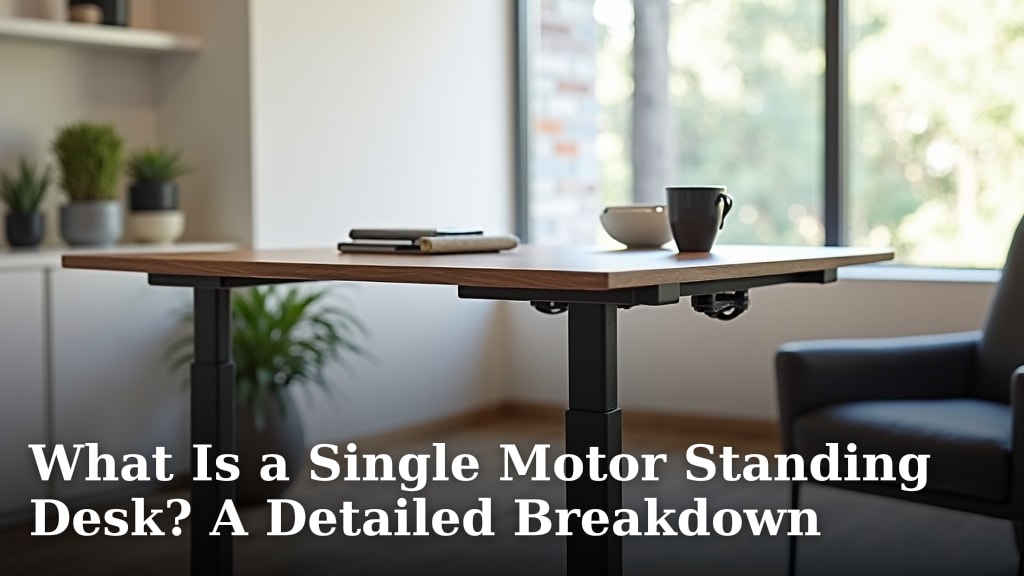
A single-motor desk uses a different lift arrangement from a dual-motor frame. Read what a single-motor standing desk is before comparing desk types or assuming a motor part will transfer between them.
What safety checks matter during motor replacement?
Follow the desk maker’s instructions and disconnect power before inspecting or servicing the frame. Keep hands clear of moving joints and support the desktop as directed before loosening any frame parts.
A loaded desk can be heavy and may shift during repair. Remove equipment from the desktop if the manual calls for it, and get help lifting or stabilizing the frame.
Don’t splice wires, bypass a controller or connect a motor to an unverified power source. If a cable is damaged or you’re unsure how to reconnect the system, stop and contact the manufacturer or a qualified repair professional.
How should you choose a replacement electric standing desk motor?
Choose a replacement electric standing desk motor only when the desk maker confirms the part matches your model and controller. If the part is unavailable, compare a compatible lift assembly or complete frame after checking fit, wiring and the repair steps.
For a broader frame decision, use our standing desk frame guide and standing desk selection guide. For the repair itself, follow the model-specific instructions in the standing desk motor replacement guide.