What Is a Sit-Stand Workstation? Key Facts
On this page (6 sections)
Understanding the Sit-Stand Workstation
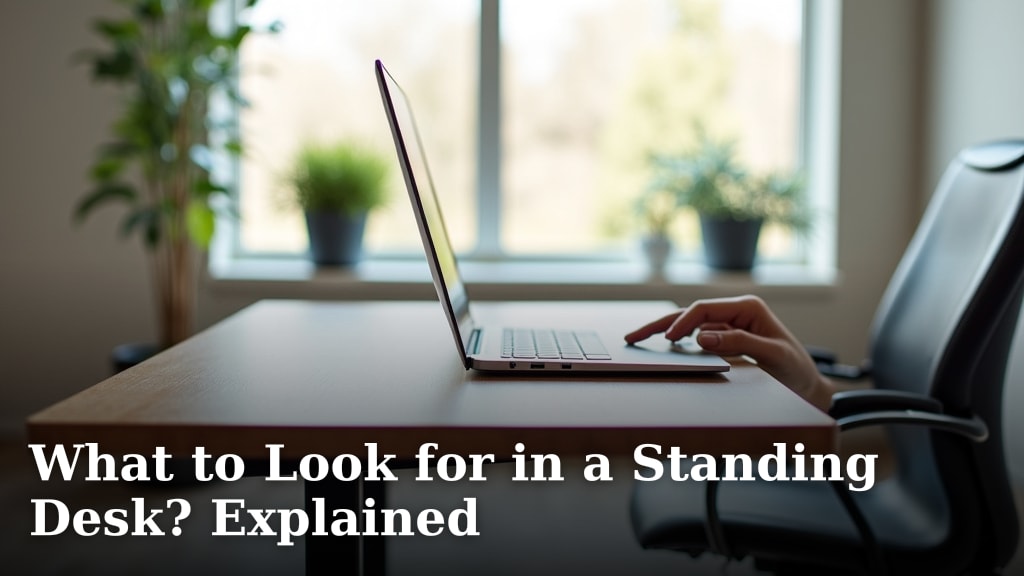
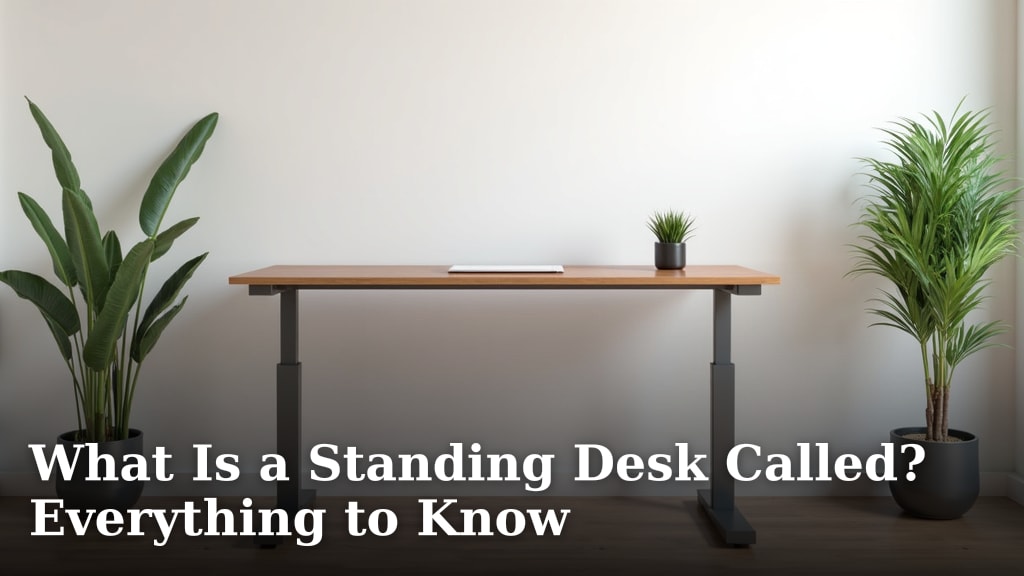
A sit-stand workstation is an adjustable desk setup that lets you switch between sitting and standing while you work. It gives you the freedom to change your posture throughout the day without leaving your desk. Most models adjust in height using a crank, electric motor, or simple lever mechanism.
You have probably seen these desks in offices, co-working spaces, and even home setups. They are designed to reduce the strain that comes from sitting in one position for hours. Think of it like this: instead of being stuck in one chair all day, you get to move between two comfortable positions whenever your body tells you to.
How a Sit-Stand Desk Operates
Most sit-stand workstations work by adjusting the height of the desk surface. For a closer look at this type of adjustable desk, read our guide to lift desks. When you raise it to elbow height, you can stand comfortably. When you lower it, you sit back down. The change takes just a few seconds on most models.
The Basic Mechanism
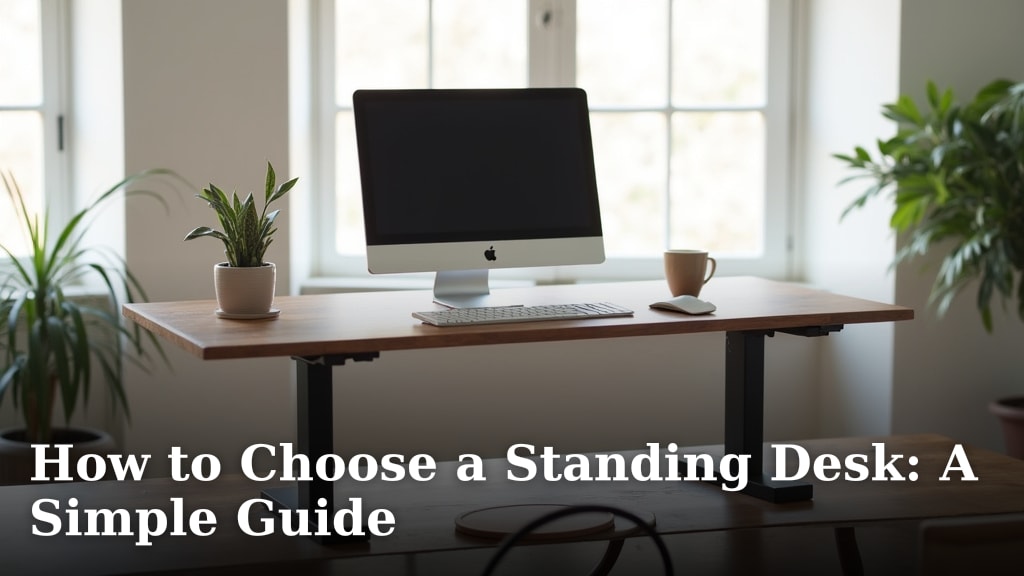
Electric sit-stand desks use a small motor in each leg to raise or lower the desktop. You press a button, and the desk moves smoothly. Manual versions use a hand crank or a gas-spring lever. Both types are easy to operate and do not require much strength.
Some workstations are smaller add-on units that sit on top of your existing desk. They lift just your monitor, keyboard, or laptop. These are often called “desk converters” or “risers.” They work well if you cannot replace your current desk entirely.
Main Types of Sit-Stand Workstations
There is no single design that fits everyone. The right type depends on your space, budget, and how often you plan to switch positions.
- Full sit-stand desks – These are complete desks with adjustable legs. They replace your existing desk entirely.
- Desktop converters – These sit on top of your current desk and lift your monitor and keyboard. They are great for small spaces.
- Portable laptop stands – Lightweight and foldable, these let you raise your laptop to standing height.
- Standing desk mats – These go on the floor to reduce foot and leg fatigue when standing. Many pair well with a workstation.
We found that choosing the right type often comes down to how much room you have and whether you want a permanent or flexible setup. A full desk is ideal for a dedicated office. A converter works well if you share your workspace or have limited square footage.
Why Sit-Stand Workstations Are Popular
Sit-stand workstations have grown in popularity over the past decade. More people are working from home or spending long hours at a desk. It is natural to wonder whether standing more could help your health.
Many experts point out that sitting for prolonged periods can cause back pain, stiff joints, and even heart problems over time. A sit-stand desk gives you an easy way to break up long stretches of sitting without leaving your work.
What Research Says About Standing at Work
The research on standing desks is encouraging but balanced. Studies published in the journal BMC Public Health found that people who used sit-stand desks reported less lower back pain and felt more energetic at work (BMC Public Health, 2017). Other research from the CDC found that sitting stand workstations were linked to a reduction in upper back and neck pain by up to 54 percent (CDC).
However, research also shows that standing all day is not the answer either. The Mayo Clinic suggests alternating between sitting and standing throughout the day for the best results. A healthy balance might look like 30 minutes of standing for every 60 minutes of sitting. The key is not to overdo it in either direction.
Here is a quick comparison of what research has found about sitting versus standing at work:
| Factor | Sitting All Day | Alternating Sit & Stand |
|---|---|---|
| Back and neck pain | Higher risk over time | Reduced by up to 54% (CDC) |
| Energy and focus | Can feel sluggish | Users report more alertness |
| Calorie burn | Very low | Higher when standing |
| Heart health | Long sitting linked to issues | Moving between positions helps |
These findings do not mean you need to stand for hours on end. They mean that variety in your posture is a good thing for your body.
How to Pick the Right Sit-Stand Workstation
Buying a sit-stand workstation can feel overwhelming. There are dozens of brands, sizes, and price ranges. Let us make it simpler. Focus on a few core features that matter most for your daily use.
First, think about your height range. If you are taller or shorter than average, make sure the desk adjusts high enough for comfortable standing and low enough for sitting. Second, consider the weight capacity. If you have dual monitors, a heavy laptop, and a printer, you need a desk that can handle it all.
Key Features You Should Look For
Here are the main things that separate a good sit-stand workstation from a poor one:
- Height range – Look for at least 24 to 48 inches of adjustable range for most adults.
- Weight capacity – A minimum of 100 pounds is ideal for most setups.
- Stability – The desk should not wobble when you type at standing height.
- Desk surface size – Make sure it fits your monitors, keyboard, and mouse comfortably.
- Noise level – Electric motors should be quiet, especially if you share a workspace.
- Memory presets – Some electric desks let you save favorite heights. This makes switching quick and easy.
Many experts recommend starting with a budget-friendly model if you are new to standing desks. You can always upgrade later if you find you use it every day. There is no need to spend a fortune right away (Cleveland Clinic).
Sit-Stand Workstation Buying Checklist
Use this quick checklist before you buy. It covers the basics that matter most.
- Does the desk adjust to your standing height comfortably?
- Can it hold the weight of your computer, monitors, and accessories?
- Is the surface large enough for your daily workspace needs?
- Does it have a stable frame that does not wobble?
- Is the adjustment mechanism quiet and easy to use?
- Does it fit within your budget and available space?
Running through this list before you buy can save you from buyer’s remorse. A little research upfront goes a long way.

Common Myths and Misconceptions
There is a lot of information floating around about sit-stand workstations. Some of it is helpful. Some of it is not. Let us clear up a few common myths.
Tips for Getting the Most Out of Your Sit-Stand Desk
Even the best sit-stand workstation will not help if you use it wrong. Here are a few simple tips that can make a real difference in your comfort.
Myth: Standing all day is healthier than sitting. This is not true. The American Heart Association notes that prolonged standing can cause its own problems, like varicose veins and lower body fatigue. A balance between sitting and standing is the smartest approach.
Myth: You need to spend hundreds of dollars to get a good one. Many quality sit-stand desks and converters are available for under $200. The price does not always equal the quality. Focus on the features that matter most to you.
Myth: Standing desks cause back pain. Poor posture while standing can lead to discomfort, but the desk itself is not the problem. Using a proper anti-fatigue mat, wearing supportive shoes, and keeping your monitor at eye level can all help. Adjusting your setup to fit your body is the real key to comfort.
Now that we have addressed the myths, let us talk about how to get the most out of your investment.
- Start small – Try standing for just 15 to 20 minutes at a time. Gradually increase the time as your body gets used to it.
- Alternate throughout the day – Switch between sitting and standing every 30 to 60 minutes. Set a timer if it helps.
- Wear comfortable shoes – Standing on hard floors in dress shoes can hurt your feet. Supportive sneakers or cushioned shoes make a big difference.
- Use
Conclusion
Choosing a sit-stand workstation is about adding healthy movement to your workday. You’ve learned they are adjustable desks that help you switch postures, reduce strain, and boost energy. The key is finding the right type for your space and starting with a balanced routine. Remember, research shows alternating between sitting and standing offers the best benefits for your back and focus. The most important step is not buying the most expensive desk, but choosing a stable option that fits your needs and actually using it. You can begin by trying a simple converter or a budget-friendly model to see what works for you.
Frequently Asked Questions
How much does a basic sit-stand workstation cost?
You can find a functional manual converter or a simple electric desk for under $200. More advanced models with larger surfaces or powerful motors can cost $400 to $800. The price often depends on the size, material, and type of adjustment mechanism.
Is it hard to assemble a sit-stand desk yourself?
Most models come with clear instructions and all the tools you need. Assembly typically takes 30 to 60 minutes for one person. The process usually involves attaching the legs to the desktop and plugging in the motor for electric versions.
Do I have to stand all day once I get one?
No, that is not the goal. The benefit comes from alternating positions, not standing for eight hours straight. A good starting point is to stand for 15-30 minutes every hour, gradually adjusting based on how you feel.
Can I put my sit-stand workstation on top of my current desk?
Yes, that is exactly what a desktop converter is designed for. It sits on your existing desk and lifts your monitors and keyboard. This is a great solution if you have a sturdy desk you like or if you are in a temporary space.
Will a sit-stand desk really help my back pain?
Research suggests it can help reduce lower back and neck pain for many people by allowing you to change positions. However, proper setup is critical. Make sure your monitor is at eye level and your keyboard is at elbow height to avoid new strains.