What Is the Standard Standing Desk Width?
On this page (7 sections)
The standard standing desk width typically ranges from 48 inches to 60 inches. This provides enough space for your monitors, keyboard, and essential work items. You can find desks as narrow as 40 inches or as wide as 72 inches, depending on your needs.
Choosing the right width is key to a comfortable and productive workspace. Too narrow, and your setup will feel cramped. Too wide, and it might not fit your room. We found that most users benefit from a width that balances ample surface area with the desk’s footprint.
- Most standing desks are 48 to 60 inches wide.
- This offers good space for monitors and accessories.
- Desk width depends on your setup and room size.
- Consider your workflow when choosing a width.
Let’s dive into what factors matter most when picking the perfect standing desk width for your home office. Let’s dive into what factors matter most when picking the perfect standing desk width, including what a sit-stand desk is.
Understanding Standing Desk Dimensions: Width Matters
When picking out your new standing desk, you’ll notice a lot of options. One of the most important is the width. It’s not just about how much space you have, but how that space works for you. We’ve researched standard sizes and found that most people do well with a certain range. Let’s figure out what width fits your needs best.
What’s the Typical Standing Desk Width?
The most common standing desk widths you’ll see are between 48 inches and 60 inches. This range is popular because it balances having enough room for your essentials with fitting into most home offices. You can find desks that are narrower or wider, but this 48- to 60-inch sweet spot works for a lot of different setups. Think of it as the happy medium for desk real estate.
Why Desk Width is So Important
Choosing the right desk width isn’t just about aesthetics; it directly impacts your comfort and productivity. If your desk is too small, you’ll feel cramped. Your keyboard might be too close, or you might struggle to fit your monitor and other items. On the flip side, a desk that’s too wide can feel overwhelming and might not even fit in your room. Finding that sweet spot ensures your workspace feels just right.
Impact on Your Workspace Layout
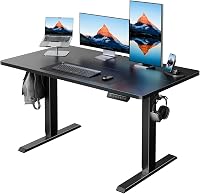
The width of your standing desk plays a big role in how you arrange your setup. Do you have a single monitor, dual monitors, or even a ultrawide display? Your monitor setup is often the biggest factor in determining how much width you need. More screens usually mean you need a wider desk to keep everything at a comfortable viewing distance. We found that planning your monitor layout first helps a lot.
Single Monitor Setups
If you’re rocking a single monitor, you probably don’t need the widest desk available. A monitor around 24 to 27 inches typically fits well on a desk that’s 48 inches wide. This leaves plenty of space for your keyboard, mouse, and a few personal items. You can even center your monitor and have a bit of “wing space” on either side for a notebook or a cup of coffee. It’s a simple and effective setup.
Dual Monitor Setups
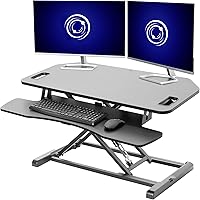
Two monitors are where desk width starts to become more critical. If you have two standard-sized monitors (say, 24 inches each) side-by-side, you’ll likely need at least 55 to 60 inches of width. This allows enough space between them and prevents them from feeling too close together. It also gives you room for your keyboard and mouse in front. Many people find a 60-inch desk is ideal for this common setup.
Ultrawide Monitors and Multiple Displays
For those with ultrawide monitors or multiple smaller displays arranged in a creative layout, you’ll need to think bigger. An ultrawide monitor alone can be 34 inches or more. Adding a second monitor or even a laptop dock can quickly eat up desk space. For these setups, we recommend looking at desks that are 60 inches wide, or even 72 inches if space allows. This ensures you don’t have to compromise on ergonomics or screen positioning.
Considering Your Accessories and Workflow
Beyond monitors, think about everything else you keep on your desk. Do you have a full-sized keyboard and a large mousepad? Do you need space for a notepad, a lamp, a phone stand, or even a second laptop? Your daily workflow dictates how much surface area you truly need. Some people prefer a minimalist approach, while others like to have everything within arm’s reach.
Essential Peripherals
Most users need space for a keyboard and mouse. A standard keyboard is about 17 inches wide, and a decent mousepad can add another 10-12 inches. This combination alone takes up about 27-30 inches of depth and width. When you add a monitor on top of that, you can see why a desk less than 48 inches might feel tight. We found that accounting for these basics is a smart first step.
Storage and Organization Tools
If you use desk organizers, monitor stands with storage, or even a small filing tray, these will also occupy valuable width. Even small items like a stapler or a tape dispenser add up. If you like to keep your desk tidy with dedicated zones for different items, you’ll want to ensure your desk is wide enough to accommodate these. A wider desk offers more flexibility for compartmentalizing your workspace.
Desk Width vs. Room Size: A Practical Balance
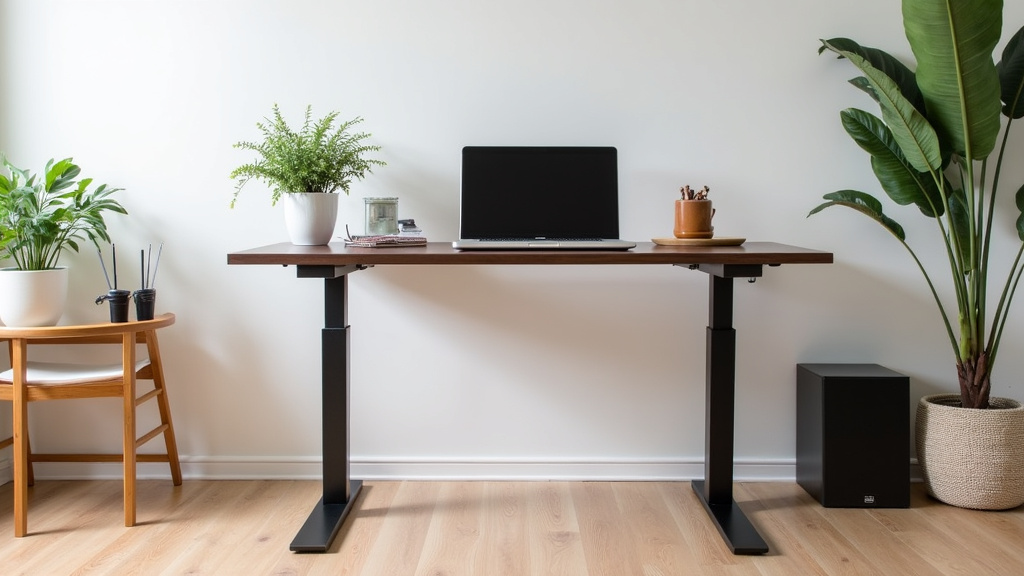
While having a massive desk sounds great, it has to fit into your room! Before you fall in love with the widest desk on the market, measure your available space. You need to consider not just the desk’s footprint but also room to walk around it. Are you placing it against a wall, in a corner, or in the middle of a room? Each placement has different space requirements.
Measuring Your Space Accurately
Grab a tape measure and be precise. Measure the wall space where the desk will go. Also, measure the distance from the wall to any nearby furniture or doorways. You don’t want your standing desk to block a high-traffic area or make your room feel cramped. Aim to have at least 2-3 feet of clearance around the desk for comfortable movement, according to general interior design guidelines.
Common Desk Widths and Their Footprint
Here’s a quick look at how common widths might fit into your space. Keep in mind these are just the desk dimensions themselves; you’ll need extra room around them.
| Desk Width | Typical Use Case | Space Considerations |
|---|---|---|
| 40-47 inches | Minimalist setups, single monitor, small spaces | Can fit in tighter areas, but may feel limited |
| 48-55 inches | Single to dual monitors, standard keyboard/mouse | Good all-around size for most home offices |
| 60 inches | Dual monitors, ultrawide monitor, ample accessories | Requires a bit more space, very popular for productivity |
| 72 inches+ | Multiple large monitors, extensive accessories, large rooms | Needs significant space, often for dedicated offices |
Making the Final Width Decision
So, how do you pick the perfect width? Start by listing your absolute must-haves: your monitor(s), keyboard, and mouse. Then, add any other accessories you use daily. Visualize how these items will sit on the desk. Next, measure your available room space, allowing for comfortable movement. Many experts suggest that a desk should not occupy more than about 30-40% of the wall space it’s placed against for a balanced look and feel (Houzz). Consider these factors carefully to find a width that supports your work without overwhelming your space.
Your Standing Desk Width Checklist:
- Measure your available room space carefully.
- List all monitors, keyboards, and essential accessories.
- Consider your ideal screen placement and viewing distance.
- Think about how much clear desk space you like.
- Ensure enough room for comfortable movement around the desk.
- Don’t forget to account for power cords and cable management.
Conclusion
Finding the right standing desk width boils down to balancing your workspace needs with your room’s constraints. You’ve learned that the 48- to 60-inch range is a solid starting point for most, accommodating common monitor setups and essential accessories. Remember to visualize your setup and measure your space carefully before making a decision. Your goal is a workspace that feels both spacious and functional, supporting your productivity without feeling overwhelming. Take the time to consider your unique workflow, and you’ll find a desk width that truly works for you.
Frequently Asked Questions
Is a 48-inch standing desk wide enough for two monitors?
A 48-inch desk can work for dual monitors, especially if they are smaller (around 24 inches). You might find the space a bit snug for larger monitors or if you prefer significant distance between them. We’ve found that 55-60 inches offers more comfortable spacing for most dual-monitor users.
Can I fit a standing desk wider than 60 inches in a small room?
A desk wider than 60 inches, like a 72-inch model, requires careful consideration in a small room. You’ll need to ensure there’s enough clearance to walk around it comfortably. It’s wise to measure your room and map out the desk’s placement before committing to a larger size.
What’s the difference in usability between a 48-inch and a 60-inch standing desk?
The main difference is surface area and layout flexibility. A 60-inch desk provides significantly more room for larger monitors, multiple accessories, or simply more clear space to work. A 48-inch desk is more compact, ideal for essential setups but can feel limiting for extensive workflows.
Does the depth of a standing desk matter as much as the width?
Yes, desk depth is also very important. It determines how far your monitor will be from you and how much space you have in front of your monitors for peripherals. While this article focuses on width, always check the depth to ensure it supports your monitor setup and desired viewing distance.
What if I need space for both a laptop and desktop setup?
If you plan to use both a laptop and a desktop setup, we recommend opting for a wider desk. A 60-inch or even a 72-inch desk would likely be best. This provides enough room to comfortably house two separate setups or a more integrated docking station arrangement.